UK ETA Application Process Guide
The UK Electronic Travel Authorisation (ETA) is applied for 100% online — no paper documents and no embassy visits required. Our site uses the latest AI passport recognition. Simply upload one clear photo of your passport and all fields will be auto-filled instantly.
Completing your ETA through our platform is faster and more accurate. It reduces manual input errors and delays, and in most cases you receive instant confirmation.
Application Steps
Click the "Apply for UK ETA" button on the homepage to start your secure application.
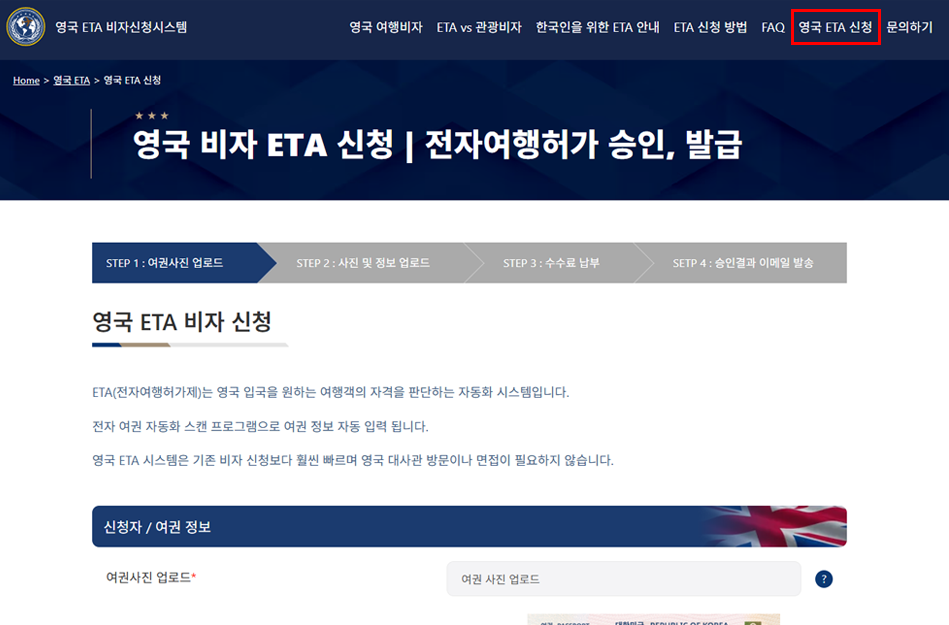
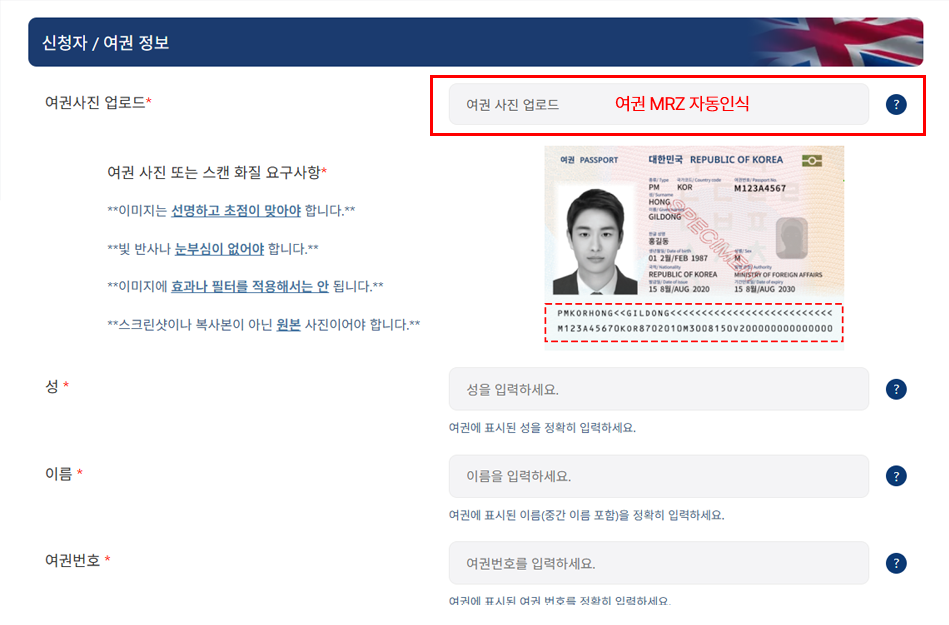
Use automatic passport recognition. Upload a clear photo of your passport and your full name, passport number, expiry date, and nationality will be auto-filled.
Select your purpose of visit (tourism, business, study, transit) from the dropdown to complete your profile.
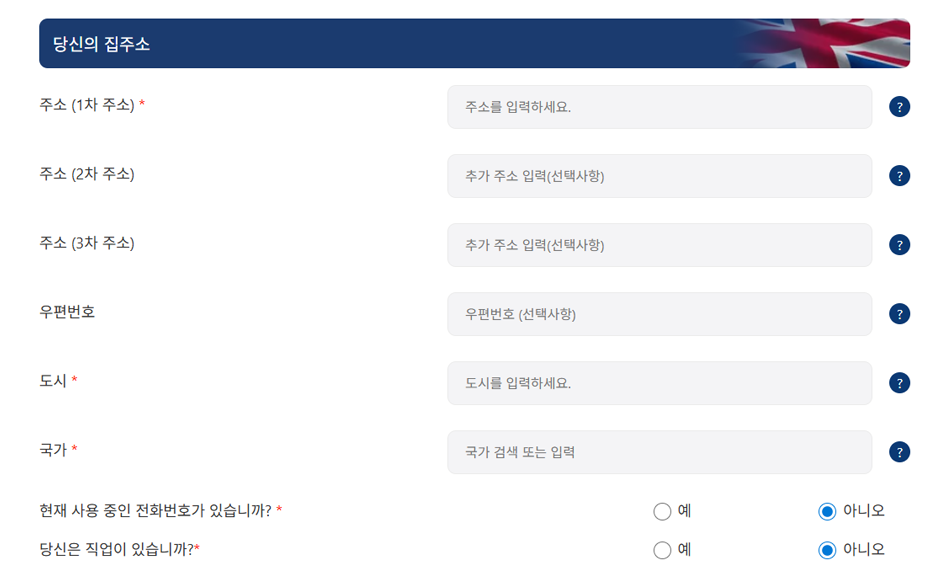
Enter your basic travel information including email, phone number, and expected itinerary. Hotel reservations are not required — just your planned dates and city will suffice.
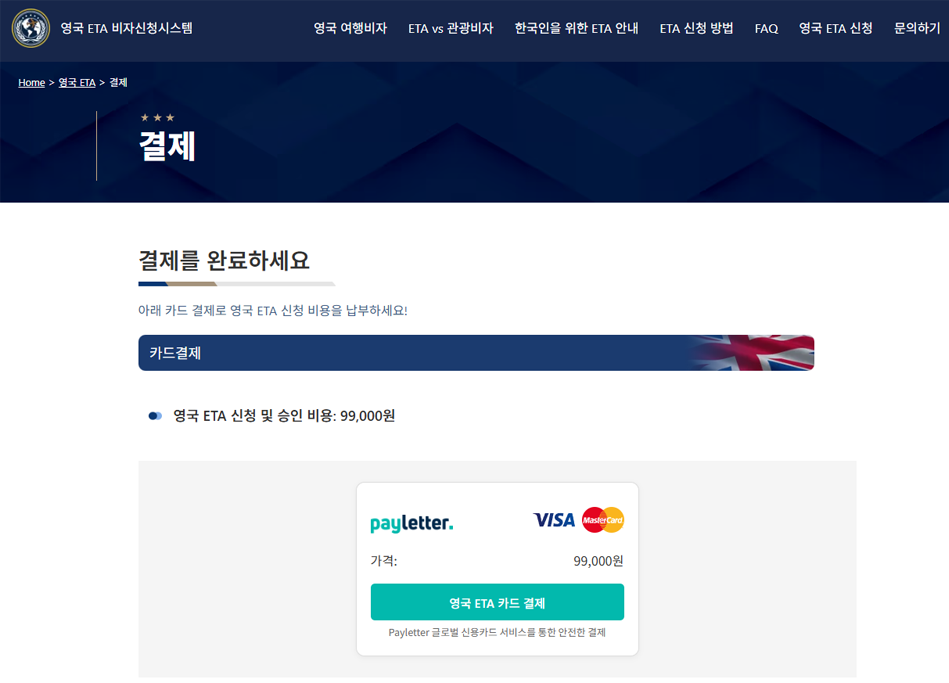
Payment is processed securely through an internationally certified payment gateway. Credit and debit card payments are handled on a PCI-compliant platform provided by PayLetter, and are completed in a secure, encrypted payment window external to the site for enhanced security. Once payment is confirmed, click "Submit" to finalise your application.
Your ETA result will be sent to you by email. — Simply present your passport at UK border control upon arrival.